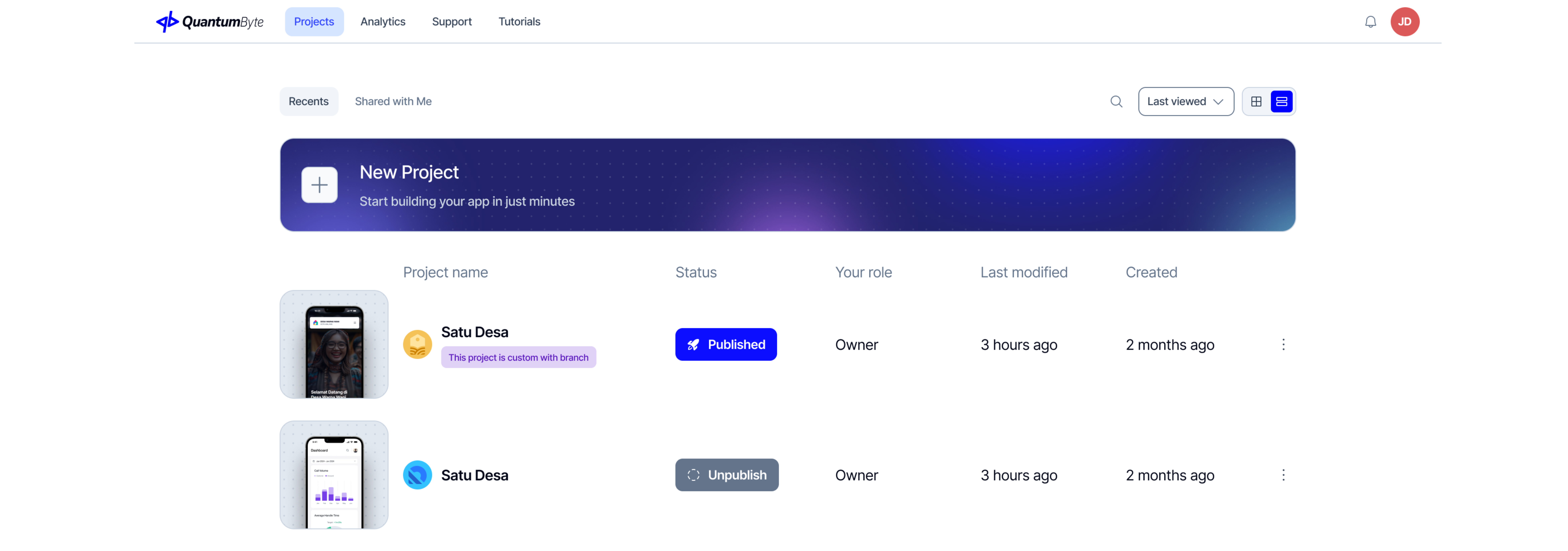
QuantumByte Project Dashboard
QuantumByte Project Dashboard
| Feature | Descriptions |
|---|---|
| App Starters | Quickly launch new applications from a structured prompt. |
| Application List | Host and manage multiple apps, each with its own frontend and backend. |
| Collaborators and Roles | Invite team members and assign roles (Admin, Builder, Operator, Viewer) to set responsibilities and access level |
| Environments | Work across two environments, Preview (for fast testing) and Deployed (for stable releases). |
| Domains | Use a default QB subdomain or connect your own custom domain with SSL. |
| Project Settings | Manage shared assets, integrations, and environment variables across all apps in the Workspace. |